Street Designer MCP
Street Designer MCP is a Python tool for creating deterministic, to-scale 2D street cross-section diagrams from structured JSON. It is built for street design concepts that need to be visually understandable, easy to revise, and dimensionally honest.
Instead of editing a drawing by hand, the project treats the layout data as the source of truth. A prompt or tool call creates a structured street section, Street Designer validates that the widths add up correctly, and the renderer generates a reproducible SVG or PNG.
Before: Existing 80 ft Arterial
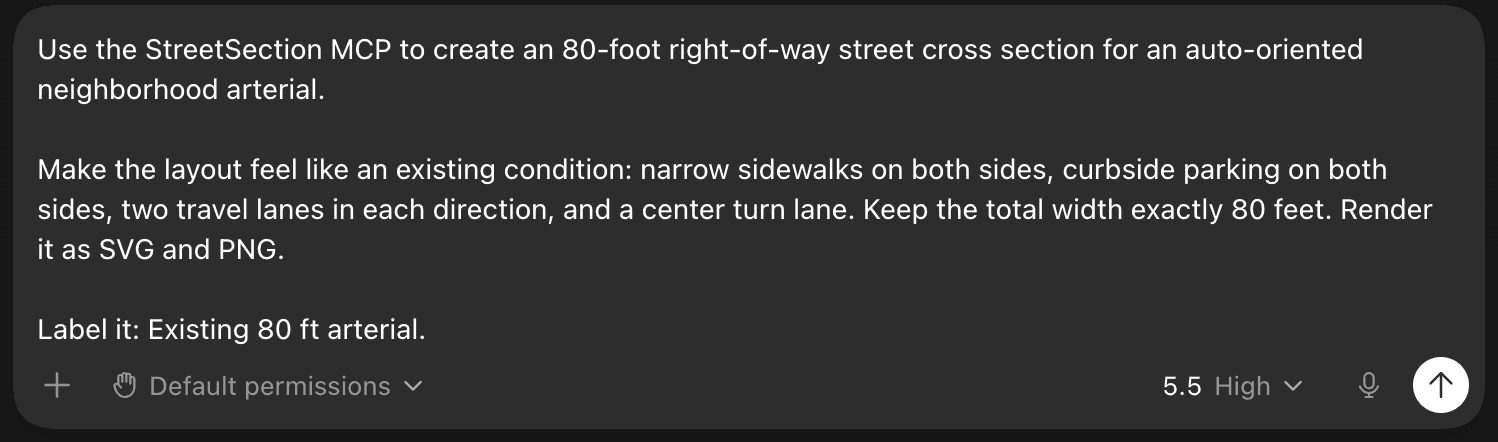
The first prompt asks Street Designer to create an auto-oriented neighborhood arterial within an exact 80-foot right-of-way.
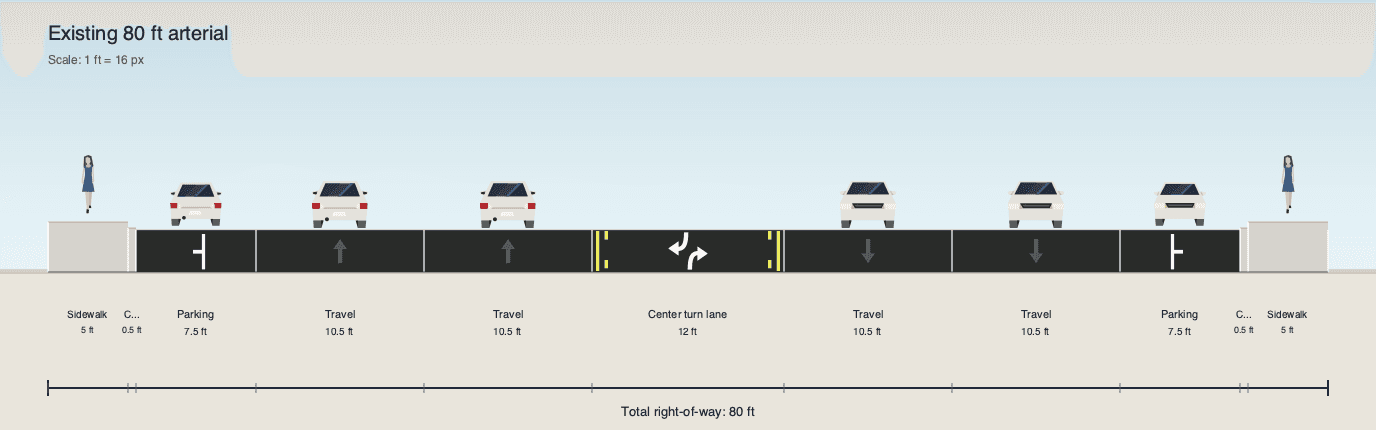
The result is a typical existing-condition street: narrow sidewalks, curbside parking, two travel lanes in each direction, and a center turn lane. The diagram is not just illustrative; every component is measured and the total right-of-way remains exactly 80 feet.
After: Complete Street Redesign
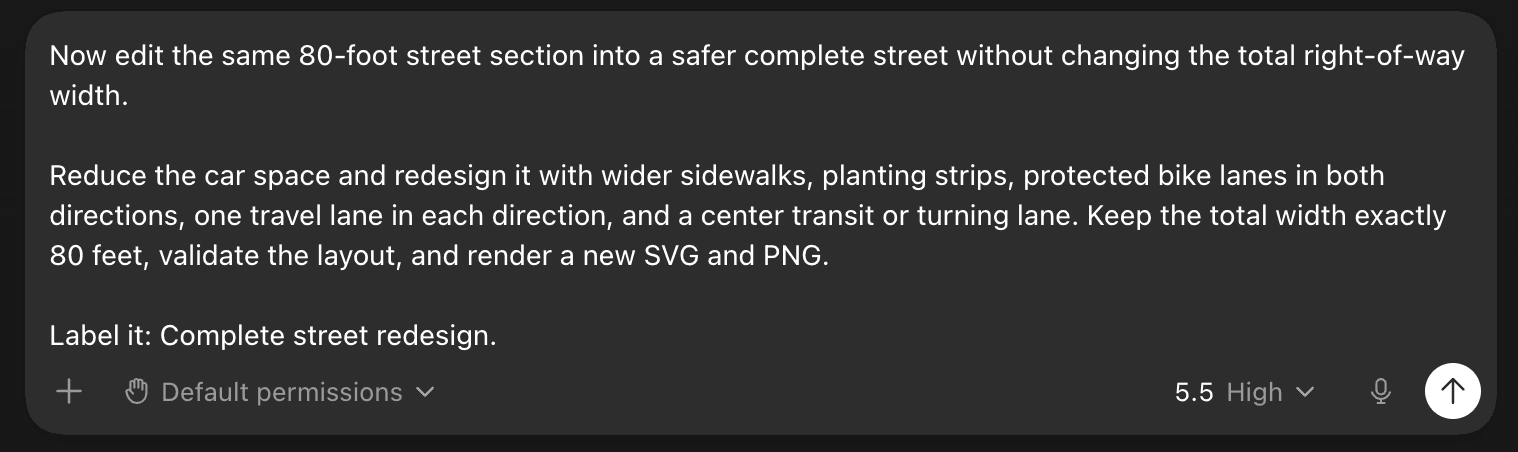
The second prompt edits the same street instead of starting from a blank canvas. The goal is to keep the 80-foot right-of-way fixed while reallocating space toward safer multimodal design.
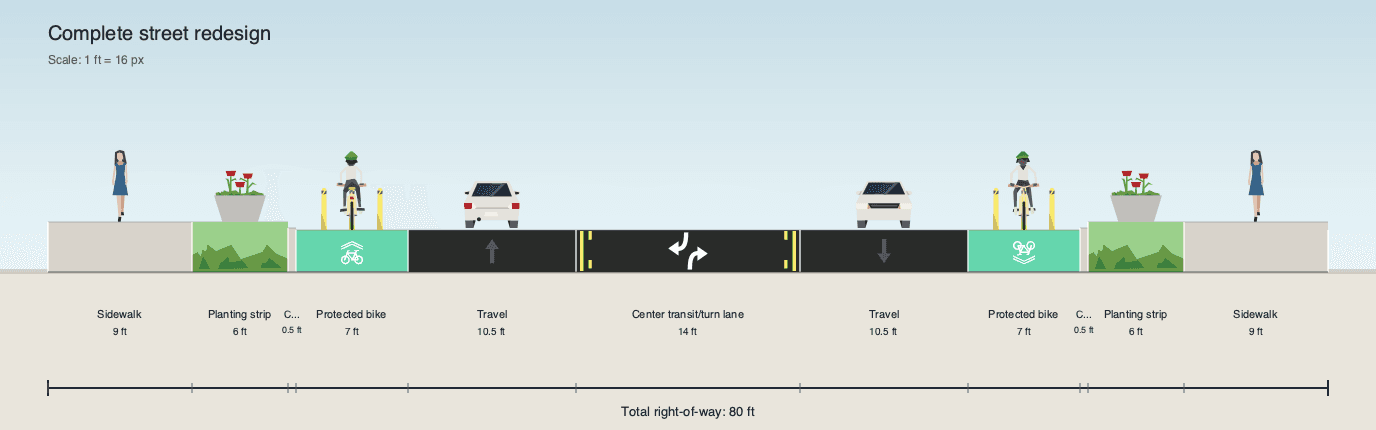
The redesigned section widens the sidewalks, adds planting strips, introduces protected bike lanes in both directions, reduces general-purpose car space, and keeps a center transit or turn lane. This before-and-after workflow shows the main value of the project: a design can change substantially while the dimensional contract stays intact.
Why I Built It
Street cross sections are most useful when they are both approachable and precise. AI-generated images can look convincing, but they often fail at exact lane widths, right-of-way totals, and repeatable edits. One-off illustrations have a similar problem: they communicate an idea, but the underlying dimensions can be hard to inspect or modify.
Street Designer solves that by separating design intent from rendering. The street is represented as structured JSON, validated against schema and width rules, laid out with exact geometry, and then rendered into a clean visual diagram.
What It Demonstrates
- Schema-driven design for street layouts.
- Exact width validation before rendering.
- Deterministic SVG and PNG output.
- A CLI and Python API for repeatable workflows.
- A local preview app for quickly viewing generated sections.
- A local MCP server surface for prompt-driven creation, validation, rendering, and edits.
- Product thinking around civic design tools, transportation planning, and local-first workflows.
How It Works
The tool has three responsibilities: accept a structured street-section layout, validate that it is internally consistent, and render it into a diagram that can be regenerated exactly.
The layout is modeled with Pydantic and exposed through JSON Schema, so prompts and local tools produce data with a predictable shape. Width rules ensure that every lane, sidewalk, buffer, planting strip, and transit or turning lane fits inside the declared right-of-way before anything is drawn.
Once the layout is valid, the renderer converts the measured components into an SVG. Optional PNG export makes the result easy to use in documents, planning memos, and web pages.
Tech Stack
- Python package with CLI entry points.
- Pydantic models and JSON Schema validation.
- Programmatic SVG rendering with optional PNG export through CairoSVG.
- FastAPI/Uvicorn local preview app.
- MCP stdio server for local tool integration.
- Pytest and Ruff for validation and quality checks.
- Vendored Streetmix illustration assets used with attribution under their original license.
Prompt Workflow
Initial prompt
Use the StreetSection MCP to create an 80-foot right-of-way street cross section for an auto-oriented neighborhood arterial. Make the layout feel like an existing condition: narrow sidewalks on both sides, curbside parking on both sides, two travel lanes in each direction, and a center turn lane. Keep the total width exactly 80 feet. Render it as SVG and PNG. Label it: Existing 80 ft arterial.
Edit prompt
© Adam Kramer.RSSNow edit the same 80-foot street section into a safer complete street without changing the total right-of-way width. Reduce the car space and redesign it with wider sidewalks, planting strips, protected bike lanes in both directions, one travel lane in each direction, and a center transit or turning lane. Keep the total width exactly 80 feet, validate the layout, and render a new SVG and PNG. Label it: Complete street redesign.